 Sizu
A camera spec sheet gives a resolution and a lens angle, and it is tempting to read “4 megapixels” as “good enough to see a face”. But what matters is how many pixels land on the thing you care about, and that falls as the subject moves away. A little trigonometry gives you the distance at which each job stops being possible, so you can decide where to mount a camera before you drill a hole.
What the jobs need
The standard for video surveillance (IEC 62676-4) names four levels, by pixels per meter across the subject:
- Identify: 250 px/m (40 pixels across a 16 cm face)
- Recognize: 125 px/m
- Observe: 62.5 px/m
- Detect: 25 px/m
The method
The camera sees a triangle. At distance d, the width of the view is
width = 2 × d × tan(field of view ÷ 2)
and the pixel density is the camera’s horizontal pixels divided by that width. Turn it around to find the distance for a given density:
d = pixels ÷ (2 × density × tan(field of view ÷ 2))
Worked example: a 4 MP camera
The camera is 2,560 pixels wide behind a 2.8 mm lens with a 100° field of view. Half the angle is 50°, and tan 50° = 1.1918.
- Identify (250 px/m): d = 2,560 ÷ (2 × 250 × 1.1918) = 4.30 m (14.1 ft)
- Recognize (125 px/m): 8.59 m
- Observe (62.5 px/m): 17.18 m
- Detect (25 px/m): 42.96 m
Check the first one: at 4.30 m the view is 2 × 4.30 × 1.1918 = 10.24 m wide, and 2,560 ÷ 10.24 = 250 px/m.
Worked example: a doorbell camera
A doorbell camera has 1,920 pixels across and a 140° field of view. Half the angle is 70°, and tan 70° = 2.7475. A caller standing 1.0 m away is in a view 2 × 1.0 × 2.7475 = 5.495 m wide, so the density is 1,920 ÷ 5.495 = 349.4 px/m. To keep the 250 px/m needed to identify, d = 1,920 ÷ (2 × 250 × 2.7475) = 1.40 m.
A wide lens is good for seeing a whole porch. It is poor for identifying someone standing at the far end of it.
Honest limits
Datasheet “DORI” distances for wide lenses often run about 30% longer than this formula gives, so treat them as a best case and compute your own. The numbers also assume the subject faces the camera in good light. At night, or at an angle, plan for a shorter reach.
Check it yourself
Stand a friend at the distance, record, and count the pixels across their face on a still. 40 pixels or more across a 16 cm face is identify.
Try it with your own camera
The free Pixels per Meter calculator takes your camera’s horizontal pixels and field of view and gives the reach for each level, or the density at a distance you choose. It comes from Every Angle, which measures a home, plans its cameras and lights with geometry, algebra and trigonometry, and shows how to check any quote or install the kit yourself. It is available as a hardcover.
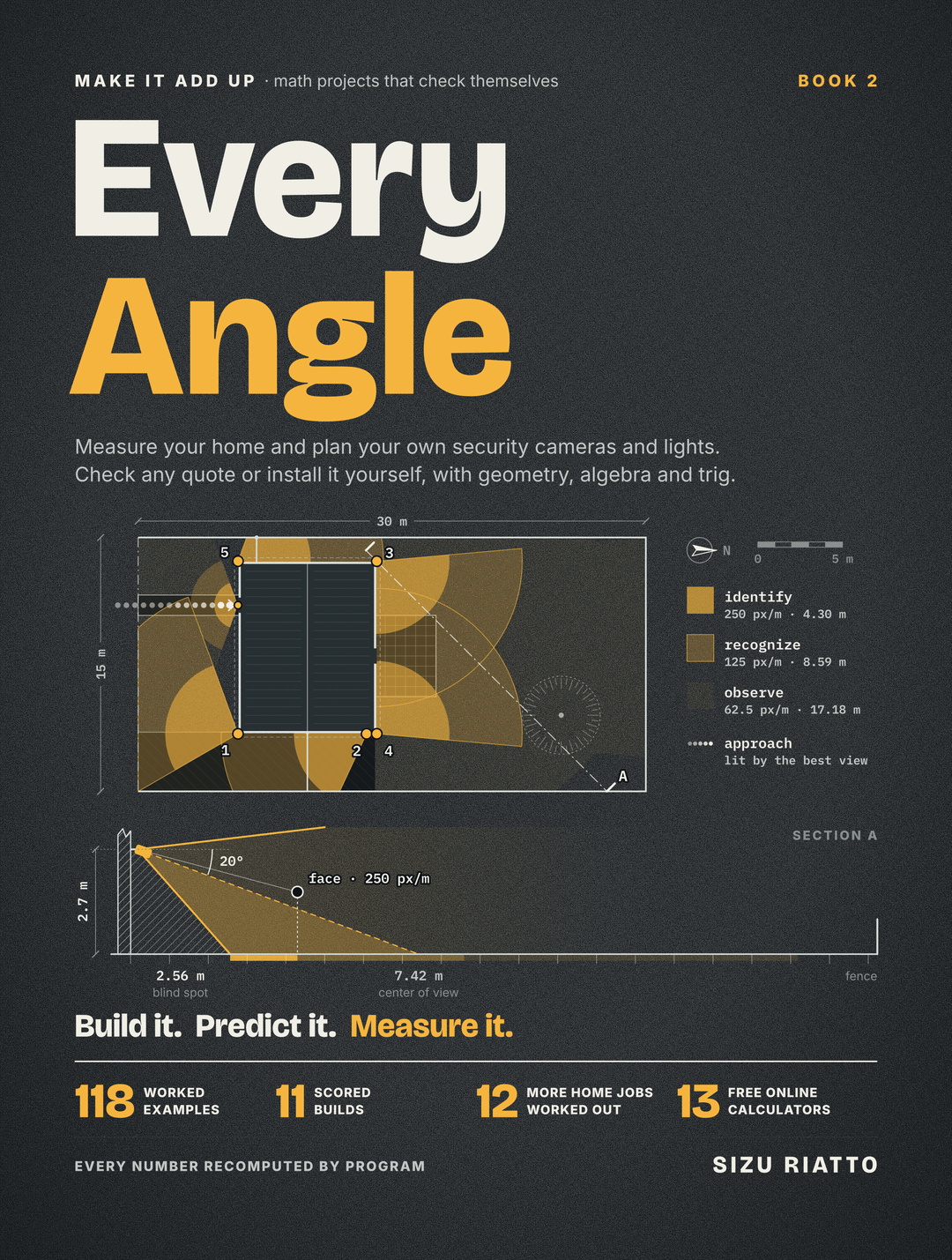
Camera specifications above are typical examples. Check your own camera’s datasheet and test it.